Who signs in
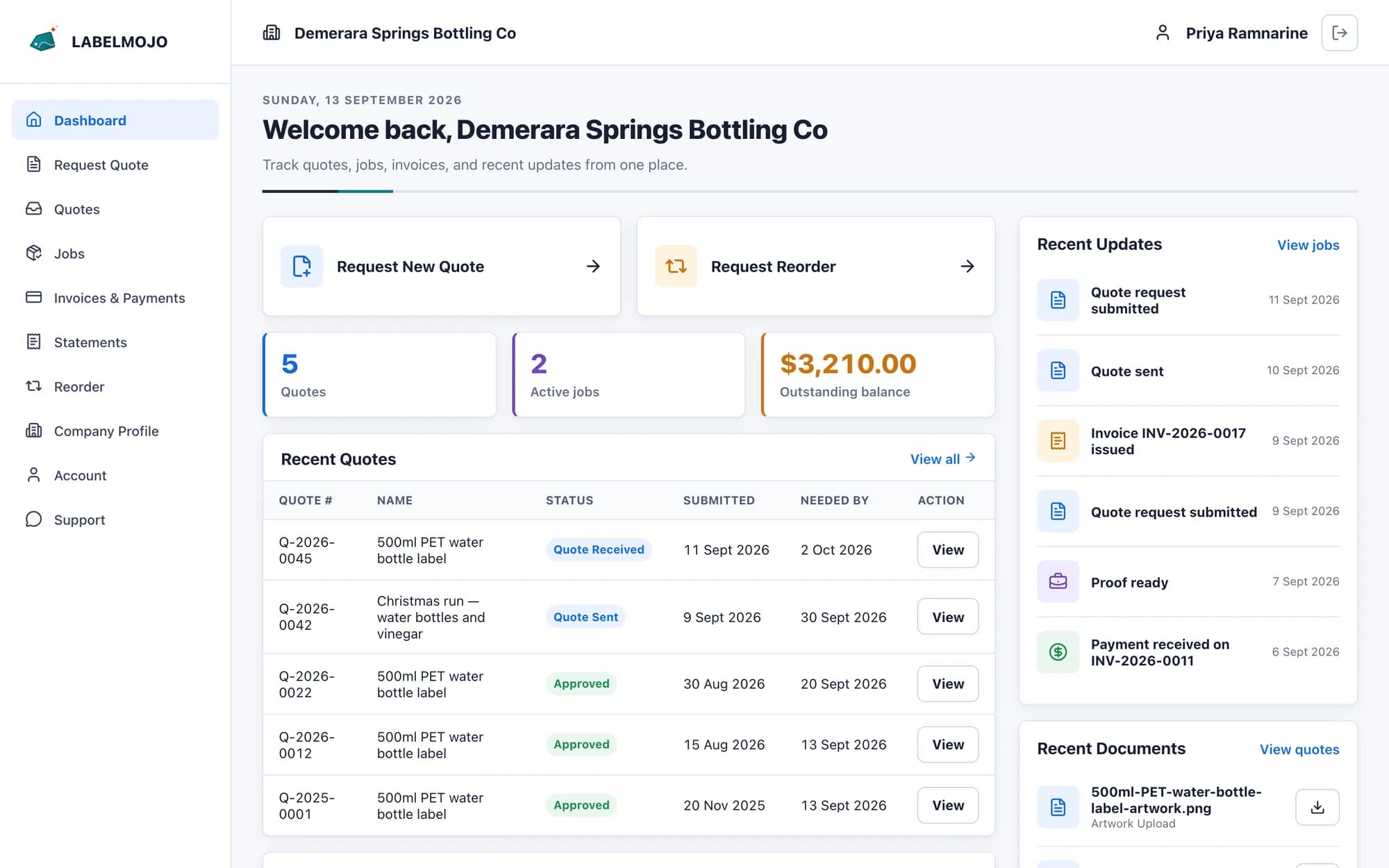
Your staff invite contacts at each customer company. A contact sees only their own company's records, and you mark which contacts may accept quotes and approve proofs.
What your customers see
- Quotes: the request form, prices by quantity and the Accept button.
- Jobs: a status for each label (quote received, in design and prepress, proof ready, in production, ready for pickup or delivery, completed) and any proof waiting for them.
- The signed delivery record for each handover.
- Invoices, payments and account statements.
- A Reorder button on completed jobs.
What your staff control
Your internal job stages stay in the back office, and staff can override the status a customer sees. Customers receive an email when a quote is sent, a proof is ready, a job is ready for pickup or delivery, and an invoice passes its due date.
Your brand settings
Your logo, colours, currency, time zone and tax label are set for your deployment during setup and appear on the portal, quotations and invoices.