What your customer confirms
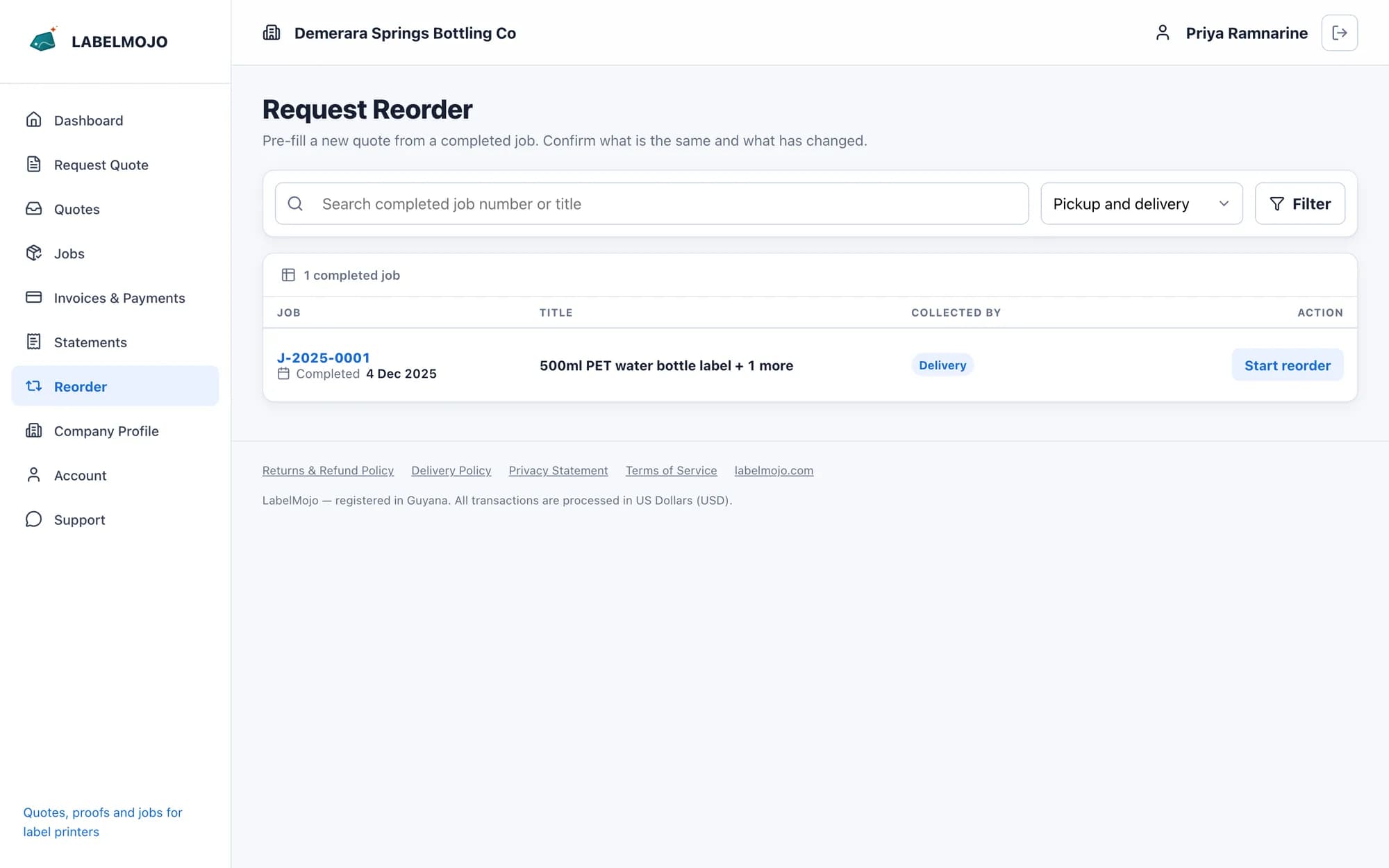
The reorder form shows the specifications approved last time. Your customer confirms whether the artwork, quantity, material, adhesive, finish, core size, unwind direction and delivery location are the same, and can enter a new quantity or delivery address, a needed-by date, a note and revised artwork.
What your staff receive
The request arrives as a quote waiting for review, with the customer's answers recorded on it and each label line linked to the job line it repeats. Staff check what changed, price it and send it. Once your customer accepts, it is converted into a job like any other quote.
Repeat history
Each reorder links to the job before it, so staff can follow a label back through its earlier runs. Client health uses the same links to learn how often each customer reorders each label.