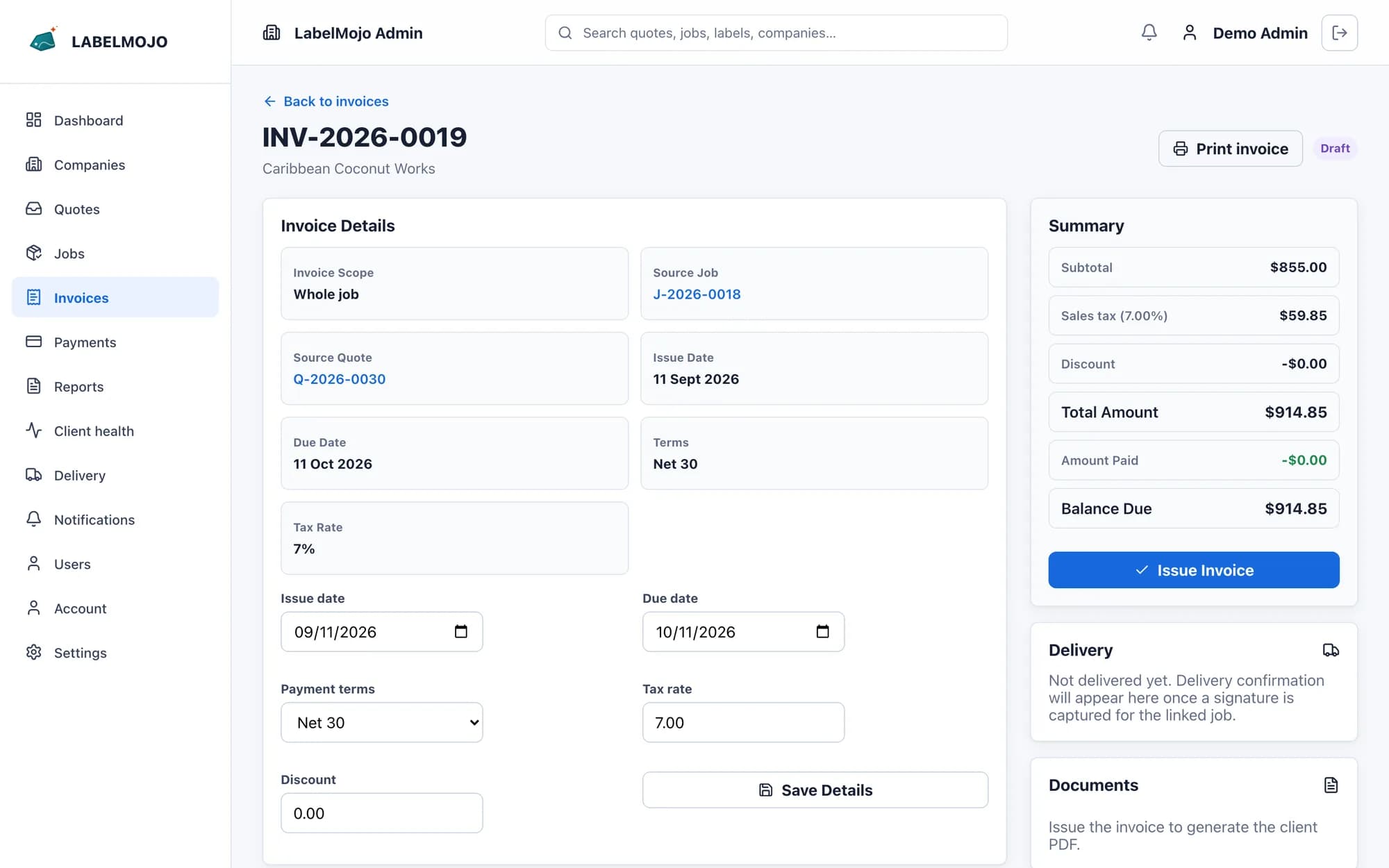
Invoices and payments
An invoice starts from a job or quote, or as a manual invoice for one-off charges. Staff record payments by cash, cheque, bank transfer, card or mobile money, with the cheque number and bank for cheques, and each payment produces a PDF receipt.
Balances and reminders
The aging report groups open balances by how long they are overdue, and a customer statement lists that customer's invoices and payments. Both export for your accounts team. The day after an invoice's due date, LabelMojo emails the customer a reminder, then another every seven days until the invoice is paid or voided.
Delivery and pickup signatures
When labels are packed, staff open the delivery screen on a phone or tablet, choose the whole job or a single label, and the person receiving the labels signs on the screen. LabelMojo saves the signature and time as a delivery record, marks the labels delivered and shows the record on the customer's job page. A whole-job signature covers only the labels that have reached packing, so a label still in QC stays open on the job. A printable delivery slip carries the roll specifications for the labels being handed over.